Control apps without micromanaging.
Not all screen time is equal. Encourage learning apps while limiting endless scrolling.
- Block distracting apps instantly
- Allow-list essentials (calls, maps, school)
- Age-friendly categories
Set healthy limits, block distractions, and keep kids safe online.
Clear controls for parents. Simple rules for kids. Built for day-to-day life.
Not all screen time is equal. Encourage learning apps while limiting endless scrolling.
Protect them from inappropriate content without needing to monitor every click.
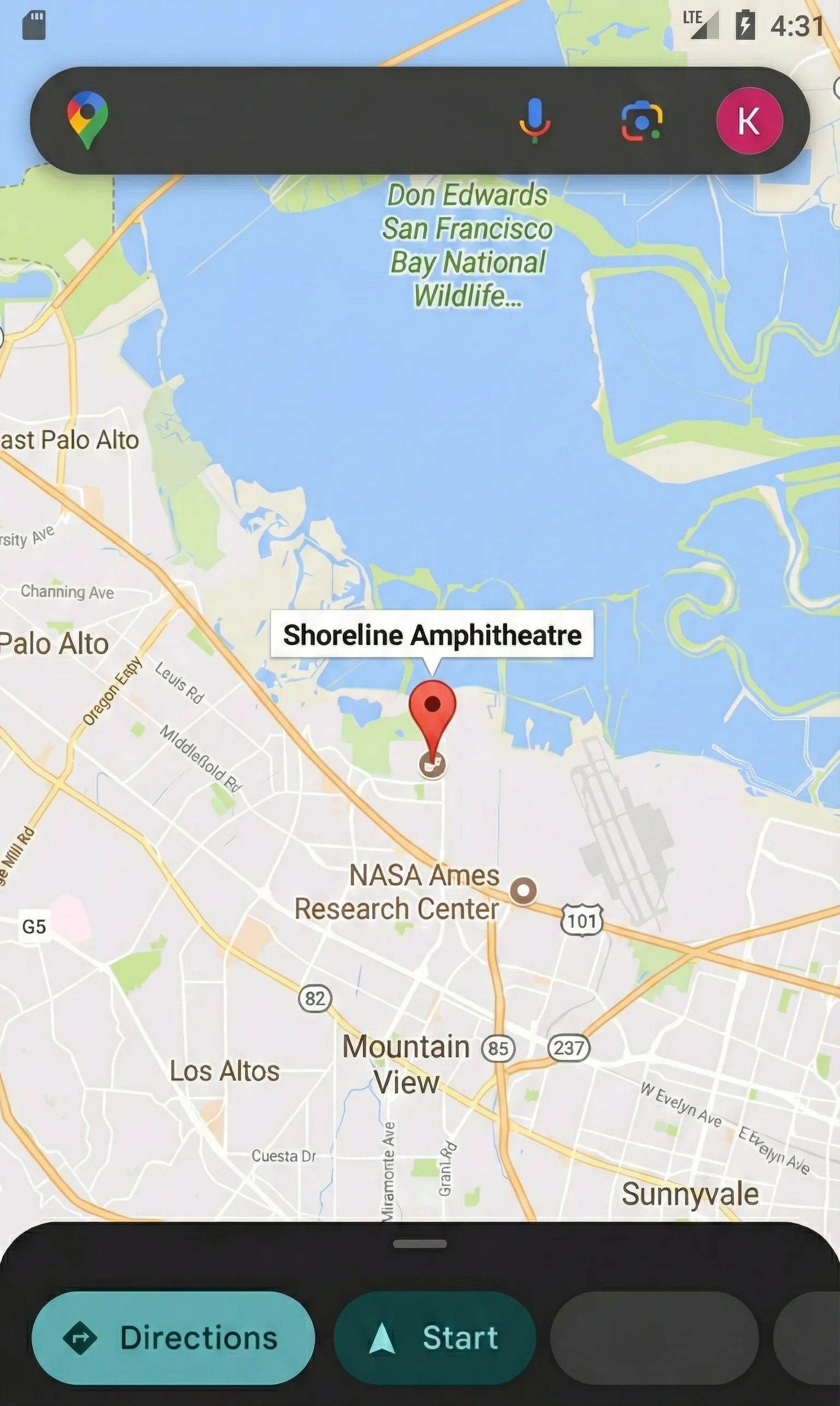
Open the live location of your child.
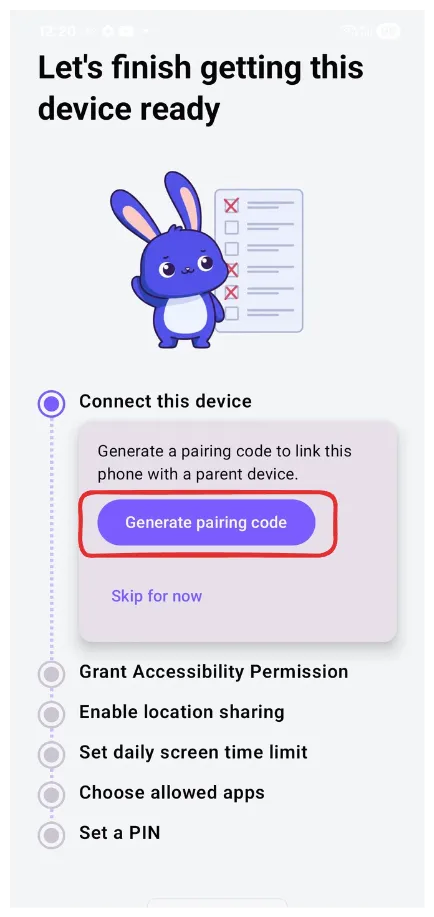
A simple setup flow that doesn’t feel technical.
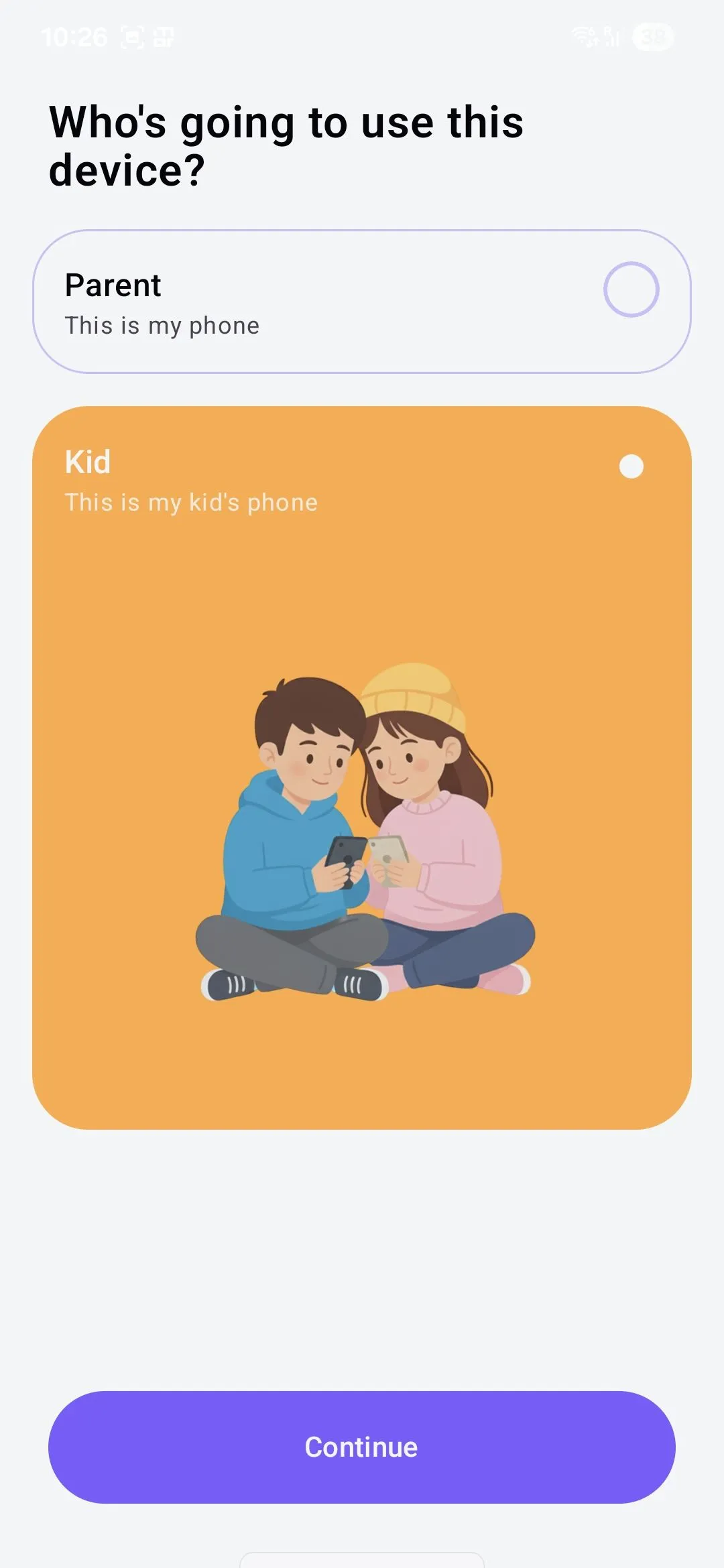
Select the role based on the phone's owner. Local Mode is available for both profiles.
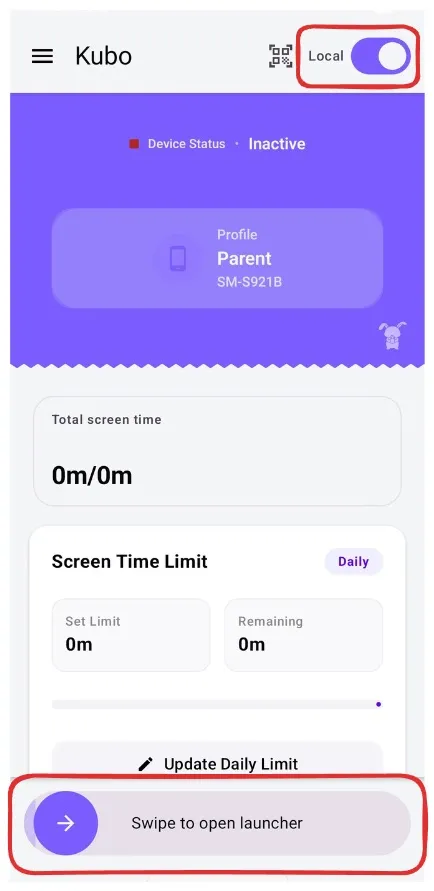
Toggle Local Mode, set limits, and swipe the bottom slider to launch.
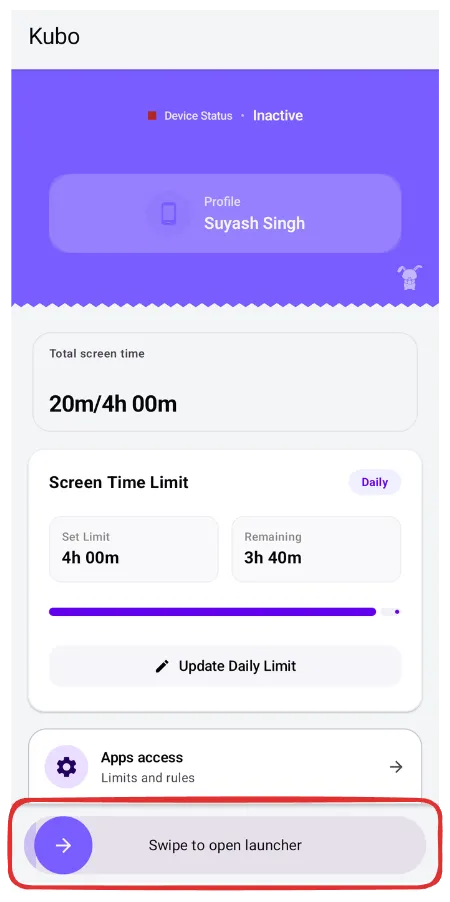
Configure apps, and swipe the bottom slider to launch.
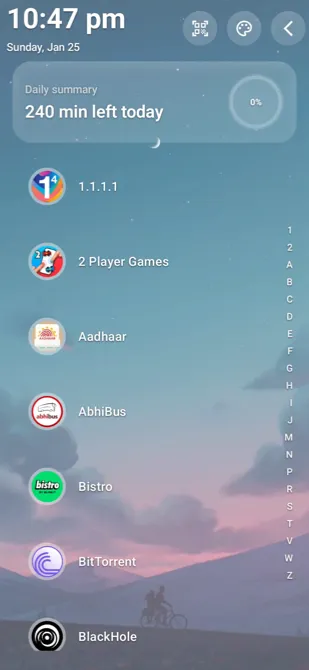
Launcher is live! It is now ready to use.
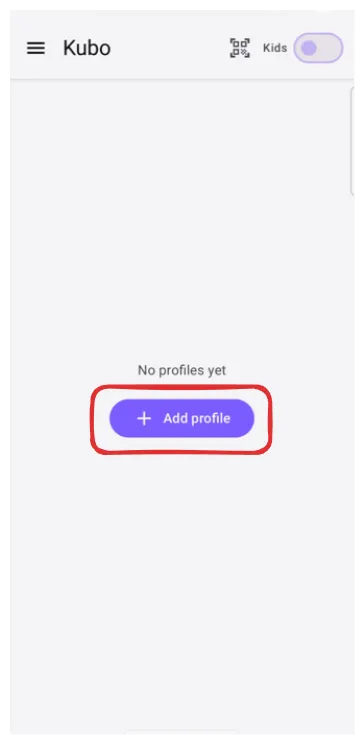
Choose the profile based on who the phone will belong to.
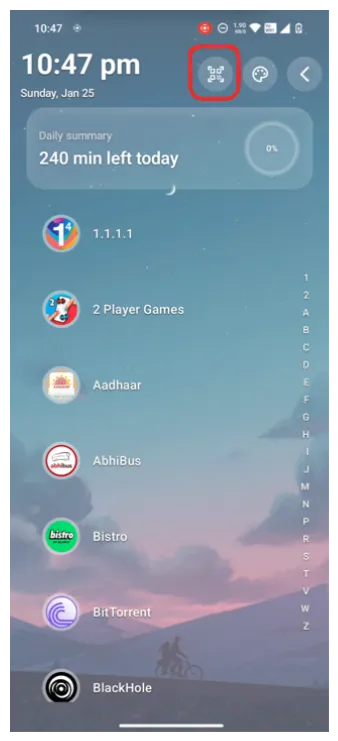
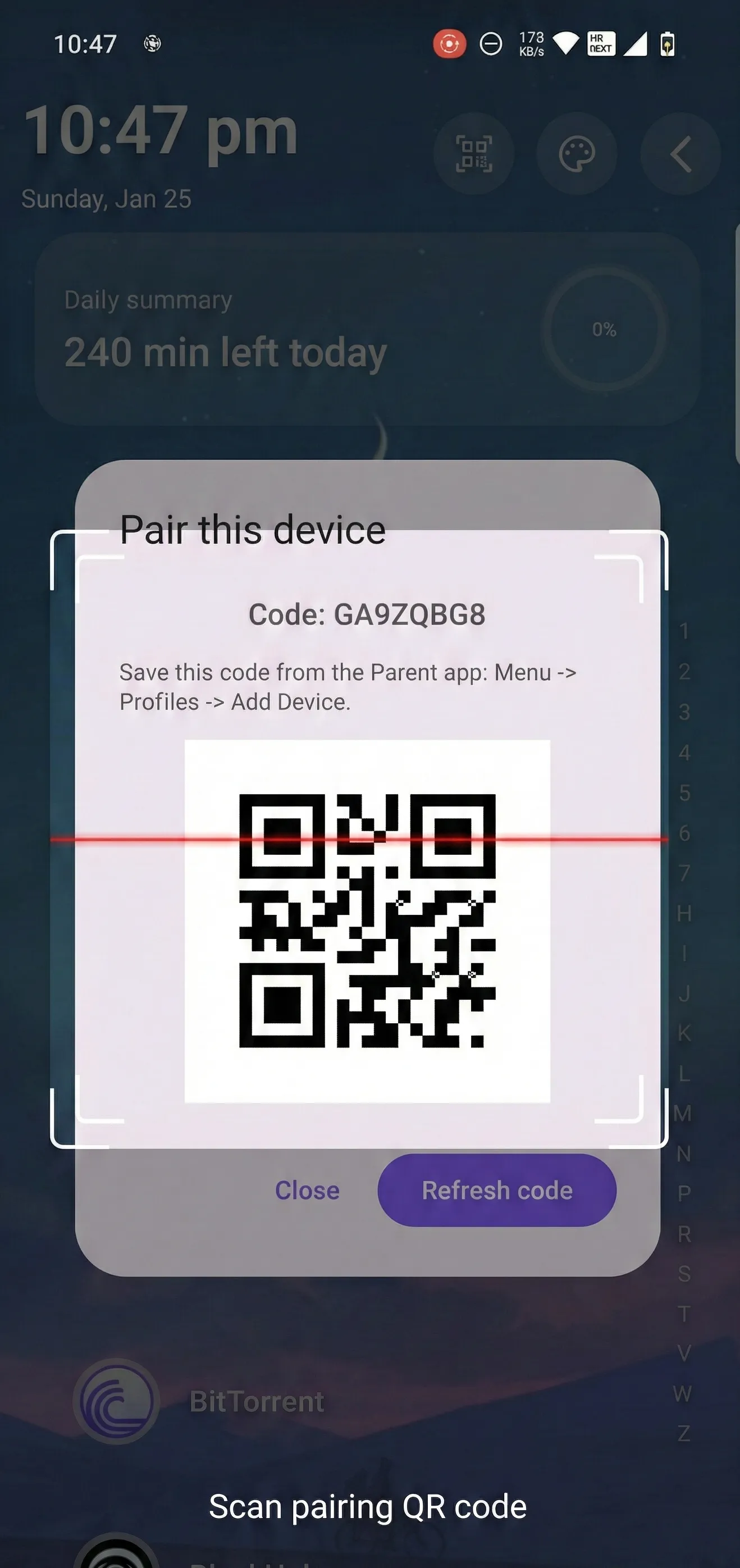
Get the QR code from the child's device.
Scan the child's QR code.
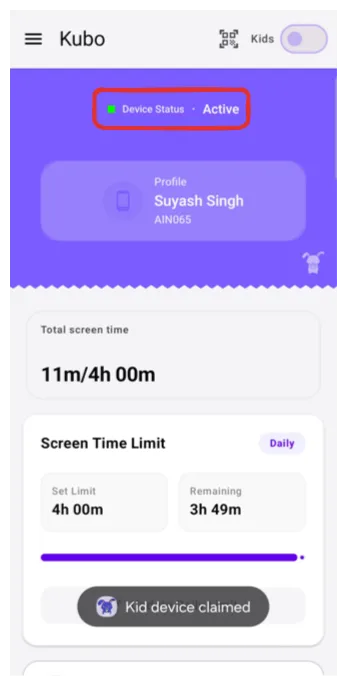
Now both apps are paired. You can leverage all Kubo features.
Quick answers to common questions.
Yes, design for phones first, but the controls translate well to tablets.